A free alternative to Solid Edge
Solid Edge Community Edition is free but Windows only. Compare it with Trevolyx, a free browser CAD, plus FreeCAD and Onshape, and learn how to move files across.
Open TrevolyxFree, desktop browser, nothing uploaded.
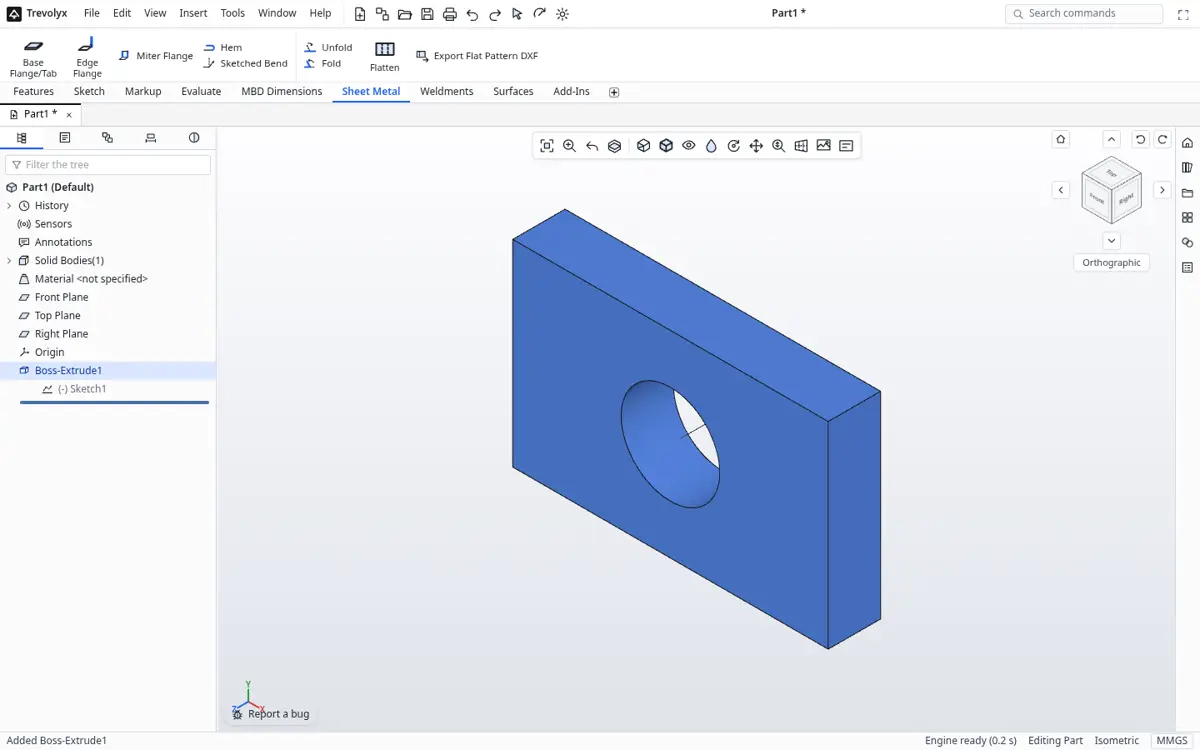
Solid Edge Community Edition in brief
Siemens offers Solid Edge Community Edition free of charge for makers, hobbyists and start ups, and it is a serious tool with synchronous and ordered modelling, sheet metal and simulation. Its terms are on the Siemens download page, so check them for commercial use. The main catch is the platform: Siemens certifies Solid Edge 2026 on Windows 10 and 11 Professional or Enterprise only, says Windows Home edition is not supported, and lists 16 GB RAM as the commercial minimum and 32 GB recommended.
So people search for an alternative when they are on a Mac, Linux, a Chromebook or Windows Home, or when the machine has too little memory.
What Trevolyx offers
Trevolyx is a free parametric 3D CAD that runs in Chrome or Edge on a desktop or laptop. It has sketches with dimensions and relations, extrude, revolve, fillet, chamfer, shell and patterns, sheet metal with flat pattern DXF export, weldments with a cut list, assemblies with mates and exploded views, and 2D drawings with standard, section and detail views that save as DXF and PDF. It opens STEP and IGES and exports STEP, plus STL and 3MF for printing. There is no account, and your files stay on your computer because the geometry engine runs inside the browser.
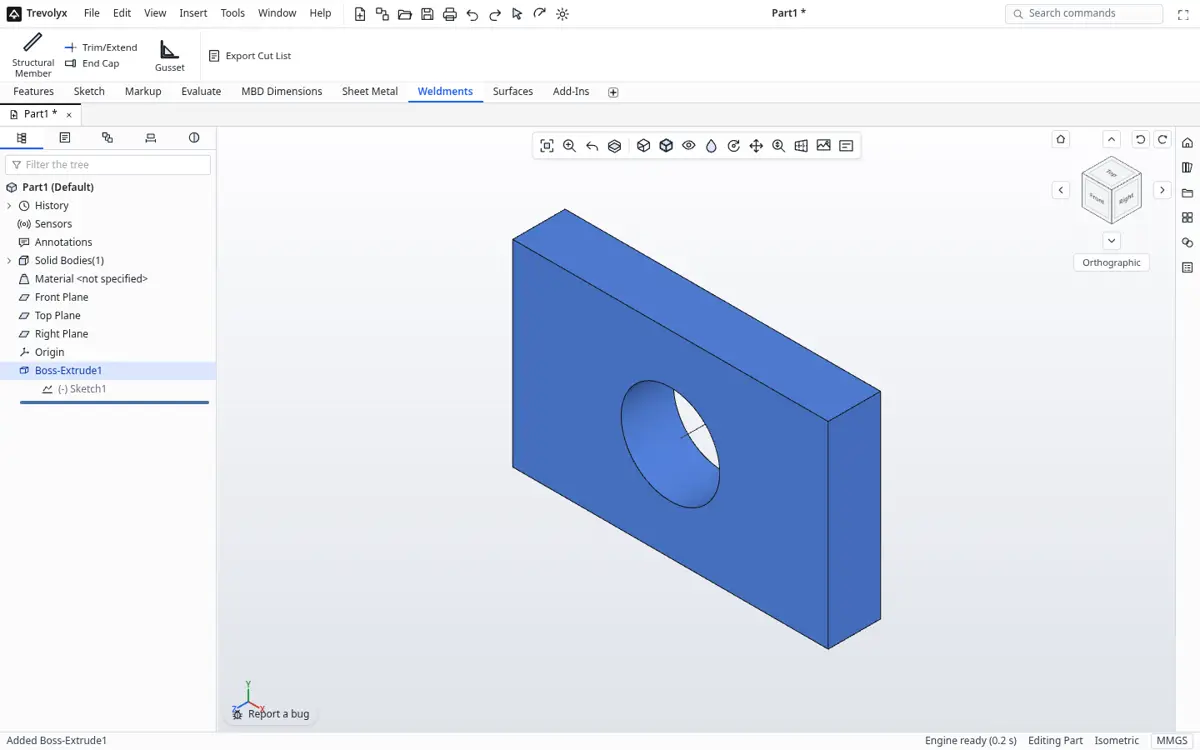
Solid Edge Community Edition vs Trevolyx
| Solid Edge Community Edition | Trevolyx | |
|---|---|---|
| Price | Free, see Siemens terms | Free |
| Platforms | Windows 10 or 11 Pro or Enterprise | Chrome or Edge on Windows, macOS, Linux, ChromeOS |
| Windows Home | Not supported, per Siemens | Works |
| Memory guidance | 16 GB minimum commercial, 32 GB recommended | 4 GB minimum, 8 GB recommended |
| Install | About 12 GB | None |
| Synchronous modelling | Yes | No, history based |
| Simulation | Yes | No |
| Sheet metal flat DXF | Yes | Yes |
| Frames or weldments | See Siemens | Weldments with cut list |
| STEP | Yes | Yes |
Where Solid Edge is better
Solid Edge has synchronous technology for editing imported geometry directly, built in simulation, a large standard parts library and decades of polish. If you have a Windows Pro machine with plenty of memory, Community Edition is a strong free choice. Trevolyx is for everyone else, and for people who want zero install.
Trevolyx v1 does not have simulation (FEA), 3D Sketch, Markup or model based definition (MBD). If your work depends on any of those, keep access to a tool that has them.
Other options
FreeCAD installs on Windows, macOS and Linux and is open source. Onshape runs in a browser, with free documents public. Both avoid the Windows requirement.
How to switch from Solid Edge to Trevolyx
- In Solid Edge, open the part, sheet metal or assembly file and use Save As, choosing STEP.
- Open trevolyx.taskninja.ai in Chrome or Edge and click Open, then choose the STEP file.
- Measure key dimensions and check mass on the Evaluate tab.
- For sheet metal parts, rebuild them with the Sheet Metal tab so you get an editable flat pattern; STEP brings the folded solid only.
- Remake drawings with Standard 3 View, sections and details, and save DXF or PDF.
What does not transfer
STEP carries exact solids and assembly structure. Synchronous and ordered feature history, sheet metal parameters, variables tables and draft annotations do not transfer. Remodel what you need to edit.
Windows Home and older laptops
Solid Edge's system requirements exclude Windows Home, which ships on most consumer laptops, and the memory figures assume a workstation class machine. Trevolyx runs in Chrome or Edge on Windows Home with no install, and our guidance is 4 GB of memory as a minimum and 8 GB as recommended, with 16 GB for big assemblies. That makes it practical on student and family laptops.
Sheet metal workflows compared
Solid Edge is known for strong sheet metal. In Trevolyx, a sheet metal part starts from a base flange sketch with thickness and bend radius, then edge flanges, cuts and holes are added. The flat pattern updates when the model changes and saves as DXF. It covers common brackets, covers and enclosures. Very complex forms such as lofted transitions may need another tool.
Working with synchronous models
Many Solid Edge users edit imported geometry directly with synchronous tools. Trevolyx is history based, so imported STEP bodies are a fixed starting point. You can add features on top, such as cuts, holes, bosses and fillets, but you cannot push and pull faces of the imported body directly. Rebuilding important parts natively is the reliable path.
A practical test
Export one sheet metal part and one assembly from Solid Edge as STEP, open them in Trevolyx, and try your usual edits. Then rebuild the sheet metal part on the Sheet Metal tab and compare the flat DXF against the Solid Edge one. If both look right, you know where Trevolyx fits in your work.
Checking designs before manufacture
The Evaluate tab has Measure, Mass Properties, Section Properties, Interference Detection, Clearance Verification, Draft and Thickness analysis. Use Interference Detection on assemblies before ordering parts, and Mass Properties to estimate weight and shipping. Weldment cut lists export as CSV with quantity, profile, length and end angles, ready for a saw schedule or a purchase order.
These are the checks most small fabrication shops run every day. Simulation, such as stress or modal analysis, is not available in Trevolyx, so keep Solid Edge or another tool for that.
Cost of ownership
Solid Edge Community Edition costs nothing, but the hardware it expects does: Windows Pro and a machine with 16 to 32 GB of memory. Trevolyx needs only a current browser, so older laptops, Macs and Linux machines that a team already owns can be used for CAD with no extra spend.
Drawings for the shop
Trevolyx drawings include Standard 3 View, model views, projected, section and detail views, dimensions, balloons and a bill of materials. Save them as vector PDF at true sheet size for printing, or as DXF to open in other drafting tools. Sheet sizes and properties are set in Page Setup.
Synchronous technology, a signature of Solid Edge, lets users push and pull faces without a history tree. Trevolyx is history based, so edits go through features and dimensions in the tree. Imported STEP bodies can still be built on with new features, which covers many quick fixes on supplier geometry.
Moving Solid Edge parts across
In Solid Edge, use Save As and choose STEP for parts and assemblies you want to reuse. Open the STEP file in Trevolyx and check it with Measure and Mass Properties. Synchronous and ordered feature history does not travel through STEP, so plan to add new features on top of the imported body or rebuild key parts parametrically.
Keep Solid Edge drawings as PDF for reference, then recreate production drawings in Trevolyx from the new model so views stay linked to the geometry. For sheet metal parts, rebuild them with base and edge flanges so Trevolyx can produce its own flat pattern DXF.
Memory and graphics
In our Chromium measurements, a Trevolyx session uses around 400 MB for the tab and GPU together, so ordinary laptops with integrated graphics work. Big assemblies need more memory. See the system requirements page for the full guidance and a one click check.
Frequently asked questions
Is Solid Edge Community Edition free?
Siemens offers it free of charge; read the license terms on the Siemens page for what use is allowed.
Does Solid Edge run on Mac?
Siemens certifies Solid Edge on Windows 10 and 11 Pro or Enterprise. There is no macOS version listed.
Does Trevolyx have synchronous modelling?
No. Trevolyx uses history based parametric features.
Can I open Solid Edge files?
Export STEP from Solid Edge, then open the STEP in Trevolyx.
Does Trevolyx have simulation?
No, FEA is not in v1.
Related
Sources
Competitor details checked on their official pages on 5 November 2026. Plans change; please confirm there.
SolidWorks, CATIA and 3DEXPERIENCE are trademarks of Dassault Systemes. Inventor, AutoCAD and Fusion are trademarks of Autodesk. Onshape is a trademark of PTC. Solid Edge is a trademark of Siemens. FreeCAD is a project of its community. Trevolyx is not affiliated with or endorsed by any of them; names are used only to describe compatibility and comparisons.