Free 3D CAD for Linux
The realistic free 3D CAD options on Linux: FreeCAD, browser CAD like Trevolyx and Onshape, and why Fusion, SolidWorks and Inventor do not install.
Open TrevolyxFree, desktop browser, nothing uploaded.
The Linux CAD situation
Most commercial mechanical CAD programs do not run on Linux. Autodesk says Fusion cannot be installed on Linux, and Inventor and SolidWorks desktop need Windows. Siemens certifies Solid Edge on Windows only. That leaves two good routes: native open source programs, led by FreeCAD, and browser based CAD.
Trevolyx on Linux
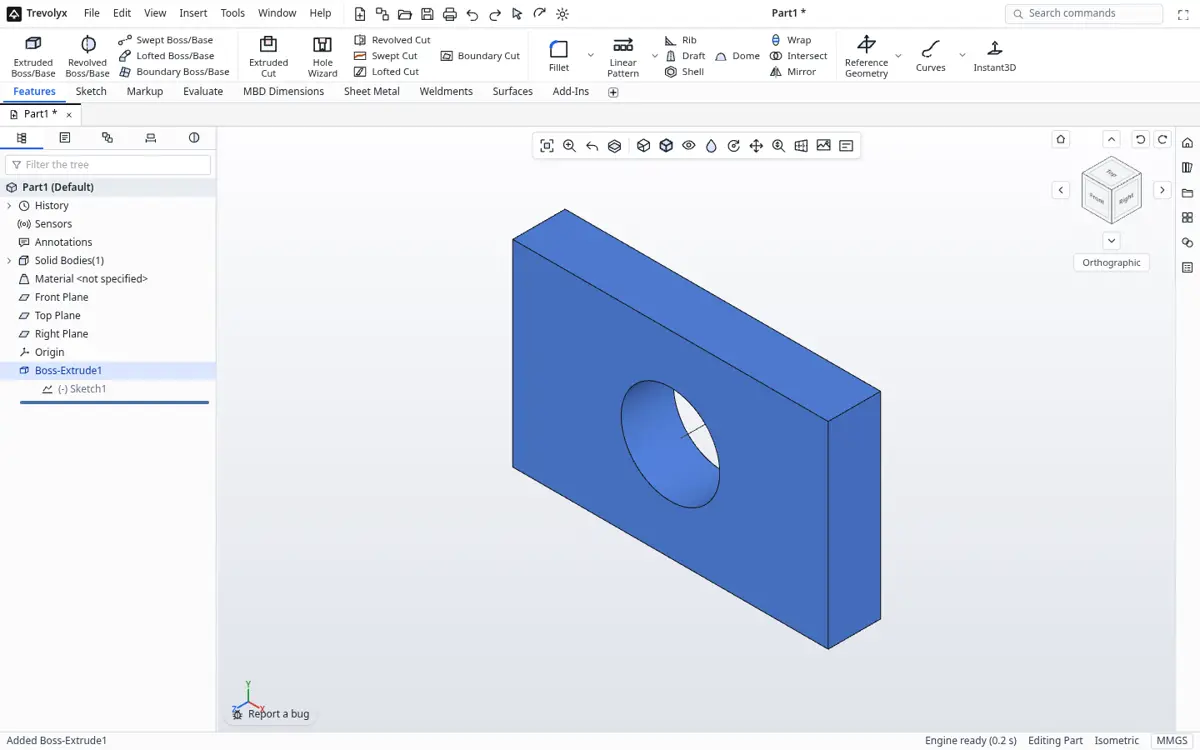
Trevolyx is a free parametric 3D CAD that runs in Chrome or Edge on a desktop or laptop. It has sketches with dimensions and relations, extrude, revolve, fillet, chamfer, shell and patterns, sheet metal with flat pattern DXF export, weldments with a cut list, assemblies with mates and exploded views, and 2D drawings with standard, section and detail views that save as DXF and PDF. It opens STEP and IGES and exports STEP, plus STL and 3MF for printing. There is no account, and your files stay on your computer because the geometry engine runs inside the browser.
On Linux you open trevolyx.taskninja.ai in Chrome, Chromium or Edge. There is nothing to install and no account.
Our honest basis
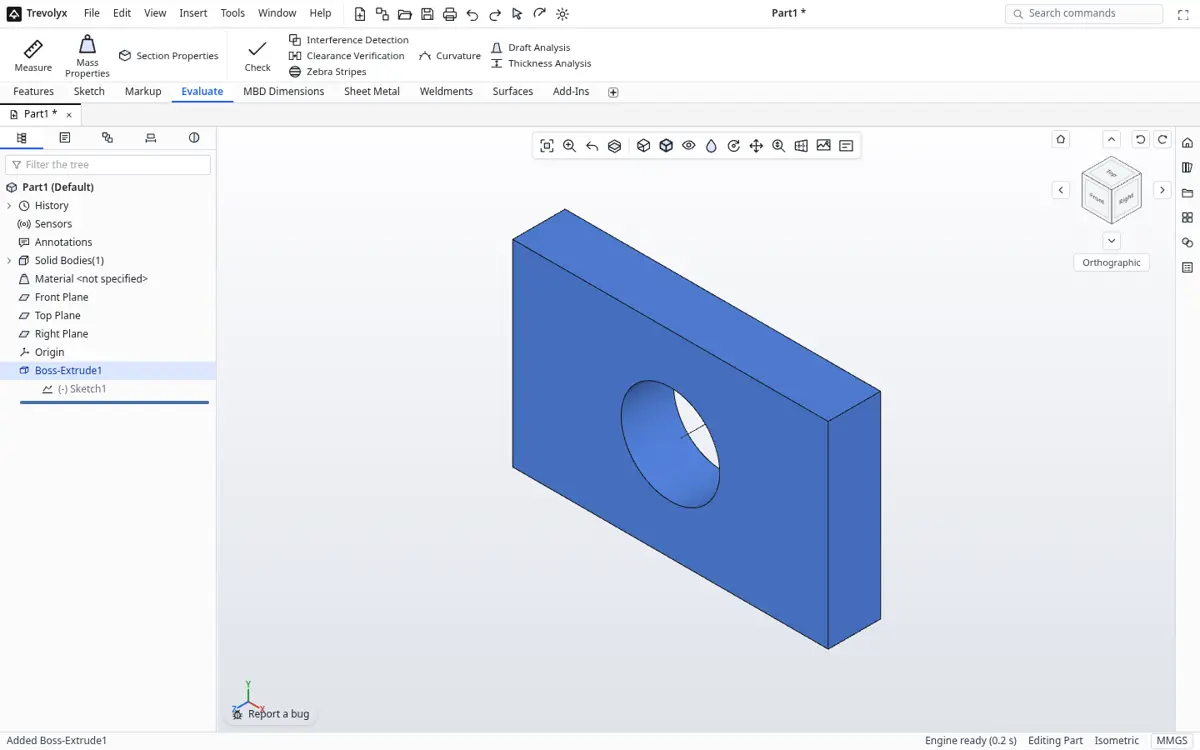
Our own automated tests and the screenshots on these pages run in Chromium on Linux, so this is a platform we use every day. Graphics drivers vary a lot between distributions and GPUs. If Chrome falls back to software rendering, the viewport will be slow, and the Check my computer button on the system requirements page will warn you.
Linux options compared
| FreeCAD | Trevolyx | Onshape Free | |
|---|---|---|---|
| Install | AppImage, distro packages, Flatpak or Snap | None, runs in Chrome or Edge | None, runs in a browser |
| Open source | Yes | No | No |
| Commercial use | Allowed | Allowed | Not on Free plan |
| Private files | Yes | Yes, files stay local | Free documents are public |
| Simulation | FEM workbench | No | Not on Free plan |
| CAM | Yes | No | Not on Free plan |
| SolidWorks style interface | No | Yes | Partly |
| Offline | Yes | Not reliably | No |
FreeCAD
FreeCAD is the strongest native choice. Its download page offers Linux AppImages for x86_64 and aarch64, and most distributions package it too. It is open source, works offline, and includes simulation and CAM. The trade off is a different workflow from commercial CAD, with several workbenches to learn, and sheet metal and frames come from community add-ons.
Onshape
Onshape runs in Chrome and Firefox on Linux. It is polished and collaborative, but on the Free plan documents are public, so it is best for open or learning projects.
Where Trevolyx fits
Trevolyx suits Linux users who learned SolidWorks or Inventor and want the same ribbon, tree and panels, with private local files and no account. Sheet metal and weldments are built in.
Trevolyx v1 does not have simulation (FEA), 3D Sketch, Markup or model based definition (MBD). If your work depends on any of those, keep access to a tool that has them.
Setting up Chrome on Linux for CAD
- Use a current Chrome, Chromium or Edge build.
- Open chrome://gpu and confirm WebGL2 is hardware accelerated.
- If it says software only, install the proprietary or Mesa drivers for your GPU and turn on hardware acceleration in Chrome settings.
- Open the system requirements page and run Check my computer.
- Open trevolyx.taskninja.ai and start a New Part, or open a STEP file.
Distribution notes
Any distribution with a current Chrome, Chromium or Edge build can run browser CAD. Chrome and Edge offer packages for Debian, Ubuntu, Fedora and openSUSE family systems. Chromium is available from most repositories or as a Flatpak or Snap. Sandboxed browser packages sometimes block GPU access, so if WebGL2 is missing in a Flatpak or Snap browser, try the native package.
Wayland and X11
Recent Chrome versions run on both Wayland and X11. If you see flickering or a blank viewport on one, try the other session at login, or check the ozone platform setting in chrome://flags. Hardware acceleration should show as enabled in chrome://gpu either way.
NVIDIA, AMD and Intel graphics
Intel and AMD integrated graphics with current Mesa drivers are usually fine for parts and small assemblies. NVIDIA cards work best with the proprietary driver; with the open nouveau driver Chrome may block acceleration. A dedicated GPU helps with large assemblies as general guidance, but it is not required to start.
Working alongside FreeCAD
Many Linux users keep FreeCAD for simulation, CAM and offline work, and use Trevolyx when they want a SolidWorks style workflow for sheet metal, weldments and drawings. STEP moves solids between them in both directions. That pairing gives a capable free toolkit with no Windows machine in the loop.
Files, backups and version control
Trevolyx saves parts as .tnprt, assemblies as .tnasm and drawings as .tndrw, plain files on your own disk. On Linux that makes them easy to back up with rsync, sync with your preferred tool or keep in a Git repository alongside firmware and documentation for a hardware project. Export STEP for colleagues on other programs and STL or 3MF for printing.
Because nothing is uploaded while you work, design data stays inside your own machine and network, which suits teams with strict data rules.
Performance expectations
In our Chromium measurements on Linux, the first visit downloads about 8.3 MB, and a working session uses around 400 MB for the tab and GPU together. The engine is cached after the first visit, so later loads are faster. Rebuild times depend on the model; very large imported assemblies take longer than native parts.
If performance drops, check that Chrome is not in software rendering, close heavy tabs and give the browser more memory where your system allows.
Commercial use and licensing
Trevolyx is free for commercial use with no account. FreeCAD is open source under the LGPL. Onshape Free and Fusion for personal use carry non-commercial terms, so read their plan pages before using them for paid work.
Distribution notes: Trevolyx needs nothing from your package manager beyond the browser itself. Chrome and Chromium packages from your distribution or from Google both work in our tests on x86_64. On Wayland sessions, keep GPU acceleration enabled in chrome://gpu so WebGL2 is hardware accelerated.
Troubleshooting graphics on Linux
If the 3D view is blank or slow, open chrome://gpu and check that WebGL2 is listed as hardware accelerated. If it says software only, turn on Use graphics acceleration when available in the browser System settings and restart the browser. Updating your Mesa or vendor GPU driver from your distribution often fixes the rest.
If Chrome still falls back to software rendering, try Chromium or Edge for Linux, since each has its own GPU blocklist. Remote desktop and some virtual machines expose no GPU at all; Trevolyx may then load but feel slow, so use a local session for real modelling work.
Moving files from Windows CAD
Export STEP from SolidWorks, Inventor, Solid Edge or Fusion on the Windows machine, copy the files across, and open them in Trevolyx or FreeCAD. STEP keeps exact solids and assembly structure but not feature history, so rebuild the features you plan to edit.
Frequently asked questions
Does Fusion run on Linux?
No. Autodesk says Fusion cannot be installed on Linux and is available for Windows and macOS.
What is the best free CAD for Linux?
FreeCAD if you want open source, offline use and simulation. Trevolyx if you want a SolidWorks style workflow in the browser with no account.
Is Trevolyx tested on Linux?
Yes. Our automated tests run in Chromium on Linux.
Why is the 3D view slow on Linux?
Usually Chrome is using software rendering. Check chrome://gpu and your graphics drivers.
Can I use it commercially?
Yes. Trevolyx is free with commercial use allowed.
Related
Sources
Competitor details checked on their official pages on 5 November 2026. Plans change; please confirm there.
SolidWorks, CATIA and 3DEXPERIENCE are trademarks of Dassault Systemes. Inventor, AutoCAD and Fusion are trademarks of Autodesk. Onshape is a trademark of PTC. Solid Edge is a trademark of Siemens. FreeCAD is a project of its community. Trevolyx is not affiliated with or endorsed by any of them; names are used only to describe compatibility and comparisons.