A free alternative to Fusion 360
Hit the Fusion personal use limits? Compare free alternatives, including Trevolyx, a browser CAD with no document limit, no account and commercial use allowed.
Open TrevolyxFree, desktop browser, nothing uploaded.
Why people look beyond Fusion
Autodesk Fusion is popular with makers because the personal use plan is free. That plan has conditions. Autodesk describes it as free for qualifying non-commercial use, and its own blog explains a limit of 10 active editable documents. Commercial work needs a paid subscription. Fusion also needs an Autodesk account and an internet connection, and Autodesk says it cannot be installed on Linux.
So people search for an alternative when they start selling what they make, when they want more than 10 editable designs, or when they want to keep files on their own computer.
What Trevolyx offers
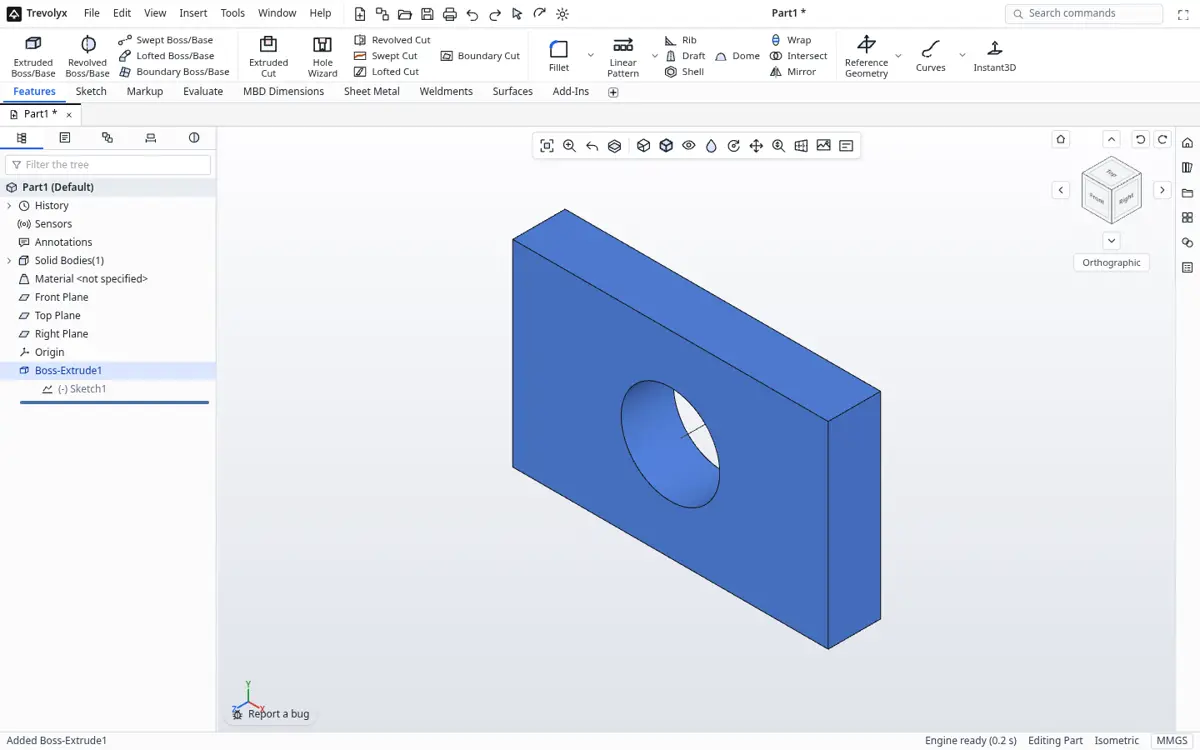
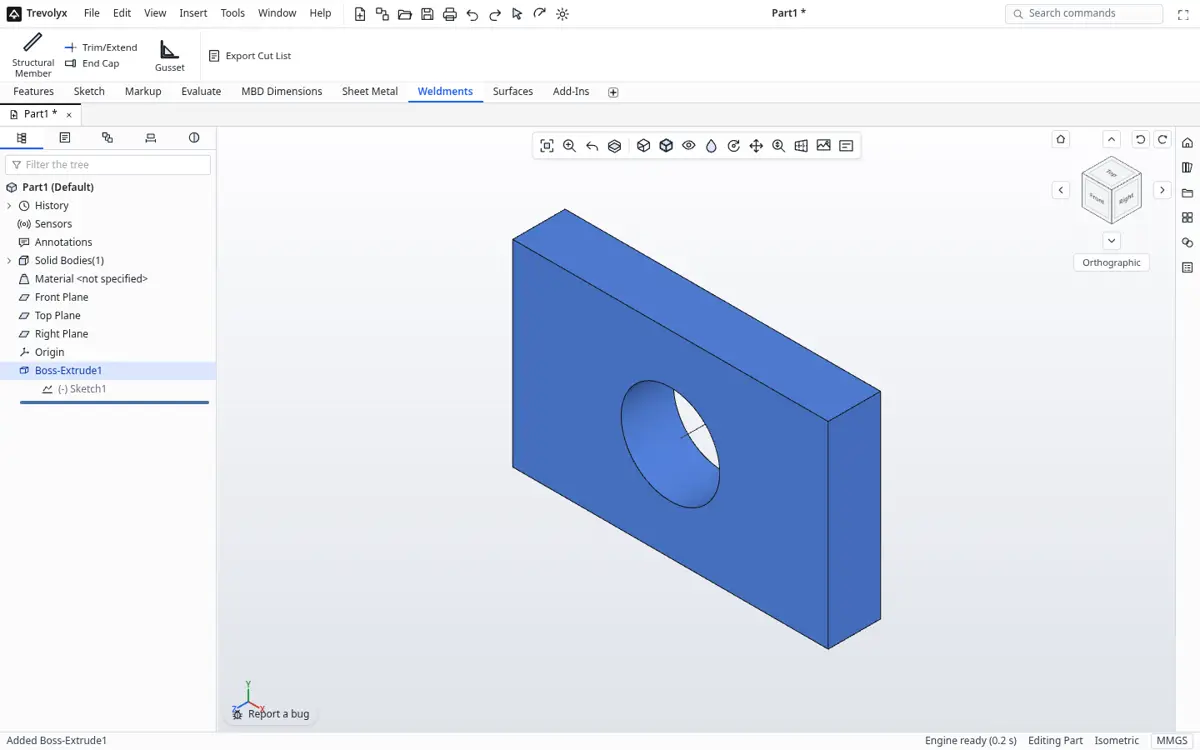
Trevolyx is a free parametric 3D CAD that runs in Chrome or Edge on a desktop or laptop. It has sketches with dimensions and relations, extrude, revolve, fillet, chamfer, shell and patterns, sheet metal with flat pattern DXF export, weldments with a cut list, assemblies with mates and exploded views, and 2D drawings with standard, section and detail views that save as DXF and PDF. It opens STEP and IGES and exports STEP, plus STL and 3MF for printing. There is no account, and your files stay on your computer because the geometry engine runs inside the browser.
There is no document limit because there is no server holding your documents. Every part, assembly and drawing is a file you save to your own disk.
Fusion personal use vs Trevolyx
| Fusion personal use | Trevolyx | |
|---|---|---|
| Price | Free for qualifying personal use | Free |
| Commercial use | Not allowed on personal plan | Allowed |
| Editable documents | 10 active, per Autodesk | No limit, files on your disk |
| Account | Autodesk account | None |
| Platforms | Windows, macOS, and a web browser per Autodesk | Chrome or Edge on desktop |
| Linux | Not installable, per Autodesk | Chrome or Edge on Linux |
| CAM toolpaths | Yes | No |
| Simulation | Not included on personal plan | No |
| Sheet metal flat DXF | Yes | Yes |
| STEP import and export | Yes | Yes |
Where Fusion is still better
Fusion includes CAM for generating CNC toolpaths, plus freeform T-spline modelling, rendering and cloud collaboration. Trevolyx has none of those. If you run a CNC router and want toolpaths in the same program, Fusion or a separate CAM tool is the better choice. Trevolyx is a fit when you want classic parametric modelling, sheet metal, weldments, assemblies and drawings with no limits on documents or commercial use.
Trevolyx v1 does not have simulation (FEA), 3D Sketch, Markup or model based definition (MBD). If your work depends on any of those, keep access to a tool that has them.
Other free options
FreeCAD is free and open source on Windows, macOS and Linux, with Path for CAM and a FEM workbench, and no commercial restriction. Onshape Free runs in a browser and its pricing page describes free documents as public. Both are worth a look depending on whether you need CAM, simulation or collaboration.
How to switch from Fusion to Trevolyx
- In Fusion, open each design and use File, Export, and choose STEP. Keep the original designs as an archive.
- Open trevolyx.taskninja.ai in Chrome or Edge and click Open, then pick the STEP file.
- Check dimensions with Measure on the Evaluate tab.
- Rebuild the features you plan to edit so they are parametric again. Fusion timeline history and T-spline bodies do not transfer as editable features.
- Make shop drawings with Standard 3 View, sections and details, and save DXF or PDF. For laser cutting, export sheet metal flat patterns as DXF.
Tips for Fusion users
Fusion builds components inside one design, while Trevolyx follows the classic approach of separate part files placed in an assembly with mates. Model each part on its own, then use New Assembly and insert them. Mates replace joints. The ribbon groups tools by tab: Sketch, Features, Sheet Metal, Weldments and Evaluate.
Understanding the document limit
Autodesk's blog explains that personal use allows 10 active editable documents at a time. Other designs can be kept read only and made active again when you need them. For a hobbyist with a handful of projects this works, but people with many small parts, such as a 3D printing library or a set of fixtures, often run into it.
With Trevolyx, a design is a file on your disk. You can keep thousands of them, organise them in folders, back them up with any tool and share them by email or a drive link.
Your files and privacy
Fusion stores designs in Autodesk's cloud. Trevolyx runs its geometry engine in your browser with WebAssembly, so the model is not uploaded to a server while you work. That matters for client work under a non disclosure agreement and for people who simply prefer to own their files.
3D printing and laser cutting
Many Fusion users design for 3D printers and laser cutters. For printing, export STEP and open it in your slicer if it accepts STEP, or convert it with your usual tool. For laser or plasma cutting, model the part in the Sheet Metal tab and save the flat pattern as DXF, or make a drawing view and export it as DXF. Kerf and bend allowances still need the values your shop uses.
A first week plan
Day one, rebuild a simple bracket to learn sketch, dimension and extrude. Day two, import two Fusion designs as STEP and add features to them. Day three, build a small assembly with mates. Day four, make a drawing and export PDF. By the end of the week you will know whether Trevolyx covers your projects or whether you still need Fusion for CAM or freeform work.
Checking your designs
The Evaluate tab has Measure, Mass Properties, Section Properties, Interference Detection, Clearance Verification, Draft and Thickness analysis, plus curvature and zebra stripe display. Interference Detection is useful on assemblies before you print or cut anything, and Mass Properties gives weight once you set a material density. These checks cover a lot of what makers use Fusion inspection tools for.
For parts headed to a printer, Thickness analysis helps find walls that are too thin to print well, and Draft analysis helps with moulded parts.
Equations and configurations
Fusion users who drive designs with user parameters will find equations, design tables and configurations in Trevolyx. Set a global variable for wall thickness or hole spacing, link dimensions to it, and change it in one place. Configurations keep several sizes in one part file, which is handy for families of brackets, spacers or enclosures that differ only in a few dimensions.
This is one area where a classic parametric modeller shines, because every feature, drawing view and assembly mate follows the change.
Fusion includes CAM, simulation and generative design in various plans, and Trevolyx does not. If you mainly model parts for printing or cutting and do toolpaths elsewhere, that gap may not matter.
Hardware
Integrated graphics are fine. Chrome or Edge with hardware acceleration on is required for WebGL2. The system requirements page has a one click check.
Frequently asked questions
Is Fusion still free?
Autodesk offers Fusion for personal use free for qualifying non-commercial use, with a 10 active editable document limit. Check Autodesk's page for current terms.
Does Trevolyx have CAM?
No. Trevolyx has no toolpath generation. Export STEP or DXF to your CAM software.
Can I sell parts I design in Trevolyx?
Yes. Commercial use is allowed.
Can I import Fusion designs?
Export STEP from Fusion and open it in Trevolyx. History does not transfer.
Does Trevolyx work offline?
It needs a connection to load. Full offline use is not reliable yet.
Related
Sources
Competitor details checked on their official pages on 5 November 2026. Plans change; please confirm there.
SolidWorks, CATIA and 3DEXPERIENCE are trademarks of Dassault Systemes. Inventor, AutoCAD and Fusion are trademarks of Autodesk. Onshape is a trademark of PTC. Solid Edge is a trademark of Siemens. FreeCAD is a project of its community. Trevolyx is not affiliated with or endorsed by any of them; names are used only to describe compatibility and comparisons.