A free alternative to CATIA
CATIA is high end and priced for enterprises. See what free tools like Trevolyx and FreeCAD can and cannot replace, with official CATIA pricing and student terms.
Open TrevolyxFree, desktop browser, nothing uploaded.
CATIA in brief
CATIA from Dassault Systemes is used for aerospace, automotive and Class A surfacing. It is not cheap: the official 3DS store guide lists CATIA Design Engineering Essential at 7,229 US dollars per year at the time of writing. A CATIA Mechanical for Students package is offered at 60 US dollars for one year for enrolled students, and 3DS says it installs on Windows 10 or 11 and will not work on a virtual machine or on macOS. A cloud version on the 3DEXPERIENCE platform runs through a browser on a paid subscription.
There is no free CATIA for general use, which is why people search for free alternatives.
Be realistic about what replaces CATIA
No free tool, including ours, replaces CATIA for Class A surfaces, advanced generative shape design, composites or large enterprise assemblies with PLM. If that is your work, a free tool is not the answer. What a free tool can replace is the everyday mechanical work: parts, sheet metal, frames, assemblies and drawings for brackets, fixtures, enclosures and machines.
Trevolyx v1 does not have simulation (FEA), 3D Sketch, Markup or model based definition (MBD). If your work depends on any of those, keep access to a tool that has them.
What Trevolyx offers
Trevolyx is a free parametric 3D CAD that runs in Chrome or Edge on a desktop or laptop. It has sketches with dimensions and relations, extrude, revolve, fillet, chamfer, shell and patterns, sheet metal with flat pattern DXF export, weldments with a cut list, assemblies with mates and exploded views, and 2D drawings with standard, section and detail views that save as DXF and PDF. It opens STEP and IGES and exports STEP, plus STL and 3MF for printing. There is no account, and your files stay on your computer because the geometry engine runs inside the browser.
CATIA vs free options
| CATIA | Trevolyx | FreeCAD | |
|---|---|---|---|
| Price | From 7,229 USD per year (3DS guide) | Free | Free |
| Student | 60 USD per year, Windows only | Free | Free |
| Platforms | Windows, or cloud in a browser | Chrome or Edge | Windows, macOS, Linux |
| Advanced surfacing | Yes | Basic surface features | Surface workbench |
| 3D Sketch | Yes | No | Yes |
| Simulation | In simulation packages | No | FEM workbench |
| Sheet metal | Yes | Yes, flat DXF | Community add-on |
| STEP | Yes | Yes | Yes |
Who Trevolyx suits
Students who learned CATIA in class and want to keep practising mechanical design at home, contractors who receive STEP files from CATIA users and need to measure, modify or draw them, and small shops building fixtures and frames.
How to move CATIA geometry to Trevolyx
- In CATIA, open the part or product and use Save As, choosing STEP.
- Open trevolyx.taskninja.ai in Chrome or Edge, click Open and pick the STEP file.
- Check dimensions and mass on the Evaluate tab.
- Add new features on top of the imported body, or rebuild key features as parametric sketches and features.
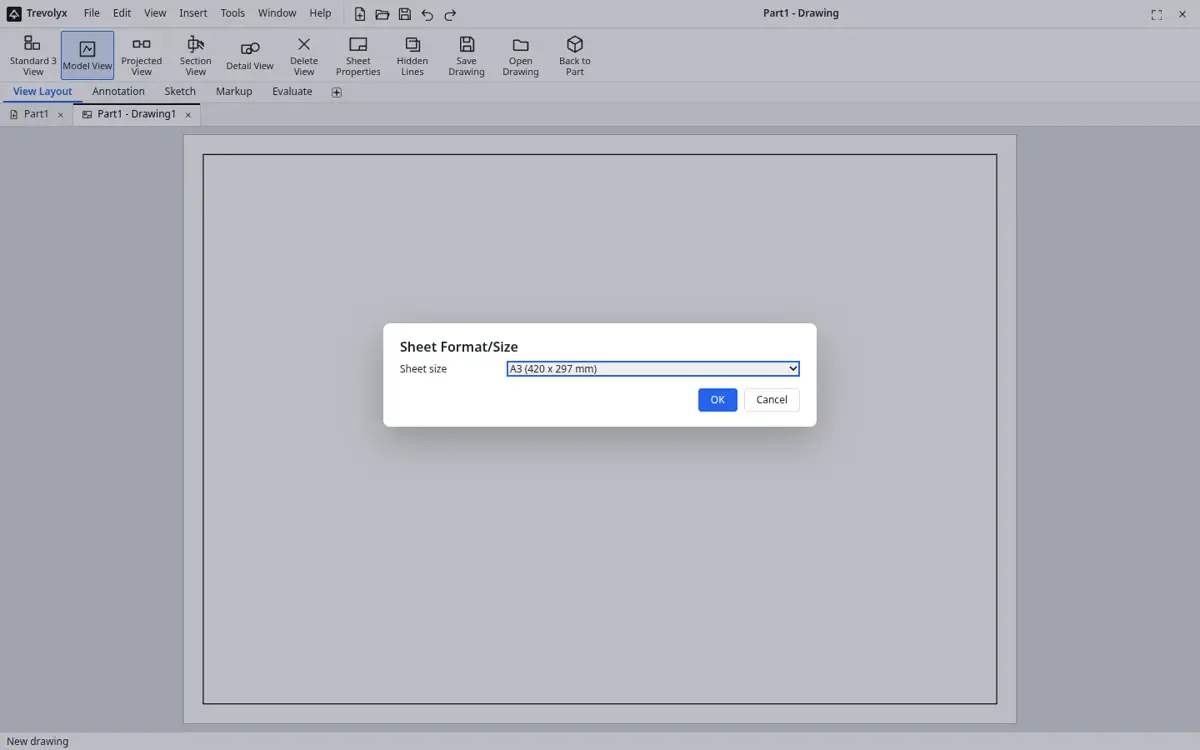
- Make a drawing with Standard 3 View, sections and details, and export DXF or PDF.
What does not transfer
STEP brings exact solids and assembly structure. CATIA feature trees, publications, knowledgeware rules, surfaces built with specialised workbenches and 3D annotations do not come across as editable features.
For students who learned CATIA
If your course teaches CATIA, keep using the official student package for coursework so your skills match what employers expect. For personal projects, a free tool lets you keep practising the core ideas: sketch constraints, parametric features, assembly constraints and drawing standards. Those ideas transfer between programs even when menus differ.
Working with suppliers who use CATIA
Small suppliers often receive STEP files from customers that design in CATIA. With Trevolyx you can open those files in a browser, check dimensions, add your own features such as mounting holes, and produce a drawing for your shop floor. When you send work back, export STEP and a PDF drawing.
What surfacing Trevolyx has
Trevolyx includes surface features for common needs: extruded, revolved, swept, lofted and planar surfaces, plus knit, trim and thicken, which help with simple shapes. It does have curvature and zebra stripe display on the Evaluate tab, but it does not have Class A tools or advanced generative shape design. Be honest with yourself about the shapes you need before choosing.
Hardware and installs
CATIA desktop installs on Windows and expects a capable workstation. Trevolyx needs only Chrome or Edge with WebGL2, which most laptops from the last several years have. The system requirements page lists measured memory use and has a one click check for your computer.
Evaluating geometry you receive
When a CATIA user sends you a STEP file, the Evaluate tab helps you understand it before you build on it. Measure distances and angles, read mass properties after setting a density, take section properties, and use Interference Detection and Clearance Verification on assemblies. Curvature and zebra stripe display give a quick visual check of surface quality, although they do not replace dedicated Class A analysis.
Once you are confident in the geometry, add features, make an assembly with mates or create a drawing for your own team.
Configurations and design tables
Trevolyx supports equations, design tables and configurations, so one part file can hold a family of sizes. This covers many uses of parameter tables, though not CATIA knowledgeware rules or scripting.
A realistic path for small teams
A small engineering team that occasionally needs CATIA compatibility can keep one paid seat or rely on the customer for native work, and use free tools for the rest. Trevolyx handles the everyday parts, drawings and fabrication data in a browser at no cost, while STEP keeps data moving to and from the CATIA side. That split keeps licence spend focused on the work that truly needs CATIA.
Review the arrangement with your customer, since some contracts require native CATIA deliverables.
Keep expectations clear when talking to stakeholders: Trevolyx is a parametric part, assembly and drawing tool for everyday mechanical work. It is not a replacement for CATIA in aerospace or automotive surface work, product lifecycle management or large program collaboration, and this page does not suggest otherwise.
Exchange checklist for CATIA partners
Before the first exchange, agree on units, the file naming scheme and whether each STEP file holds one part or a whole product. After import, compare volume and mass from Mass Properties with the figures your partner reports from CATIA; matching numbers are the quickest proof that the geometry came across intact.
Send changes back as STEP with a short note of what changed, and share drawings as PDF so reviewers without CAD can read them. Keep native CATIA files as the master if your contract says so, and treat Trevolyx files as working copies.
Other free options
FreeCAD is open source on all desktop platforms and has more advanced surface tools than Trevolyx. 3DEXPERIENCE SOLIDWORKS for Makers is a low cost browser based option from the same company; its FAQ lists 48 US dollars per year and limits it to personal, non-commercial use with a 2,000 dollar per year sales cap.
Frequently asked questions
Is there a free version of CATIA?
Not for general use. 3DS lists a CATIA Mechanical for Students package at 60 US dollars per year and commercial subscriptions from 7,229 US dollars per year.
Can Trevolyx do Class A surfacing?
No. It has basic surface features, not advanced surfacing.
Can I open CATIA files in Trevolyx?
Export STEP from CATIA and open that in Trevolyx.
Does CATIA run on Mac?
3DS says the student package will not work on macOS. The cloud version runs in a browser on a paid subscription.
Is Trevolyx free for commercial use?
Yes.
Related
Sources
Competitor details checked on their official pages on 5 November 2026. Plans change; please confirm there.
SolidWorks, CATIA and 3DEXPERIENCE are trademarks of Dassault Systemes. Inventor, AutoCAD and Fusion are trademarks of Autodesk. Onshape is a trademark of PTC. Solid Edge is a trademark of Siemens. FreeCAD is a project of its community. Trevolyx is not affiliated with or endorsed by any of them; names are used only to describe compatibility and comparisons.