Free online 3D CAD with no download and no sign-up
Model real parametric parts, assemblies and drawings in a browser tab. Trevolyx needs no install and no account, and it never uploads your files.
Open TrevolyxFree, desktop browser, nothing uploaded.
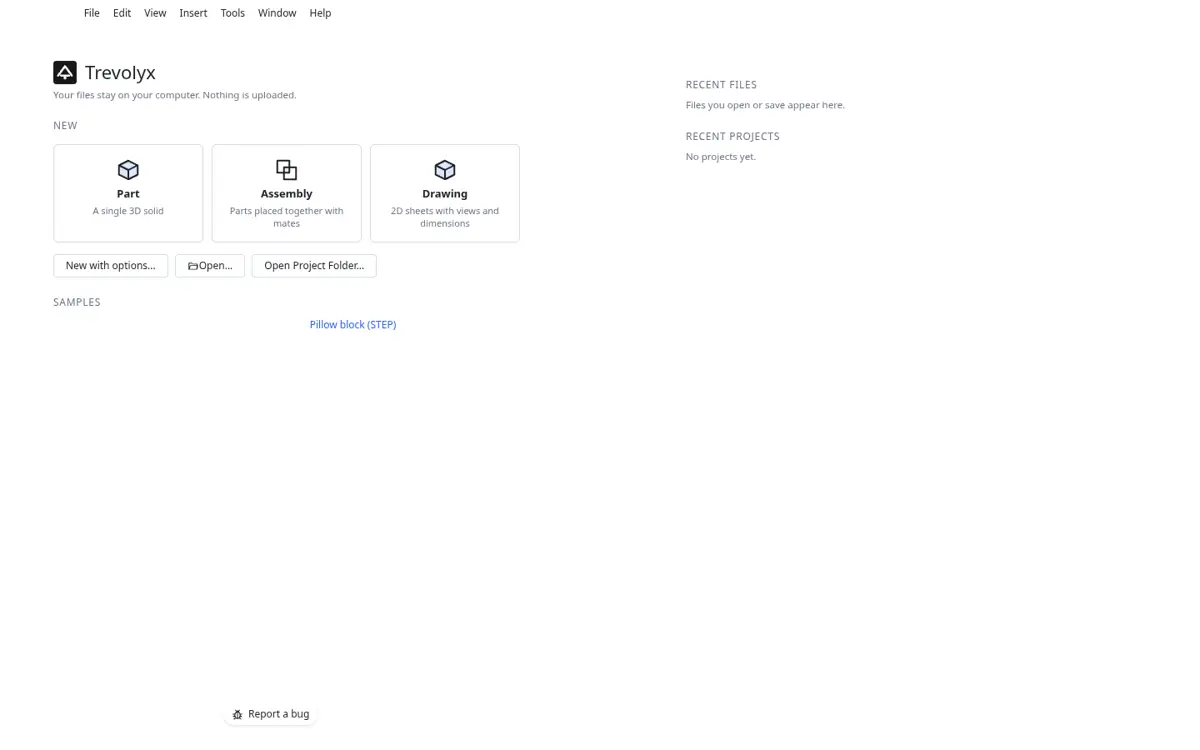
What browser CAD means here
Most online CAD tools are either simple block modellers or cloud platforms that keep your designs on their servers and ask you to sign up first. Trevolyx is different. The modelling engine is an exact B-rep kernel compiled to WebAssembly, and it runs on your own computer inside the browser tab. Nothing is sent to a server, so there is no upload wait, no storage limit and no account.
Because the work happens locally, Trevolyx also keeps working on a slow or patchy connection once the page has loaded. Your models are saved as ordinary files on your disk, or in a project folder you choose.
How to start in under a minute
- Go to trevolyx.taskninja.ai on a desktop or laptop. The app loads in a few seconds.
- Pick Part, Assembly or Drawing on the start screen, or open the sample pillow block STEP file to explore.
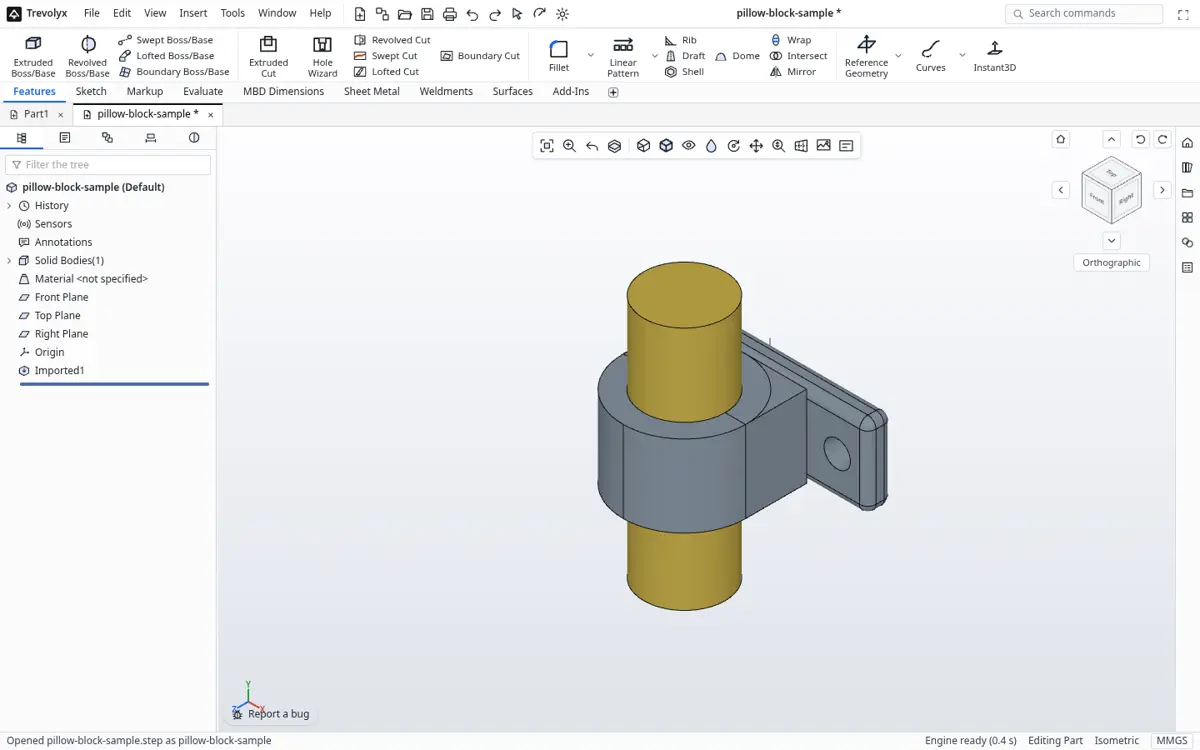
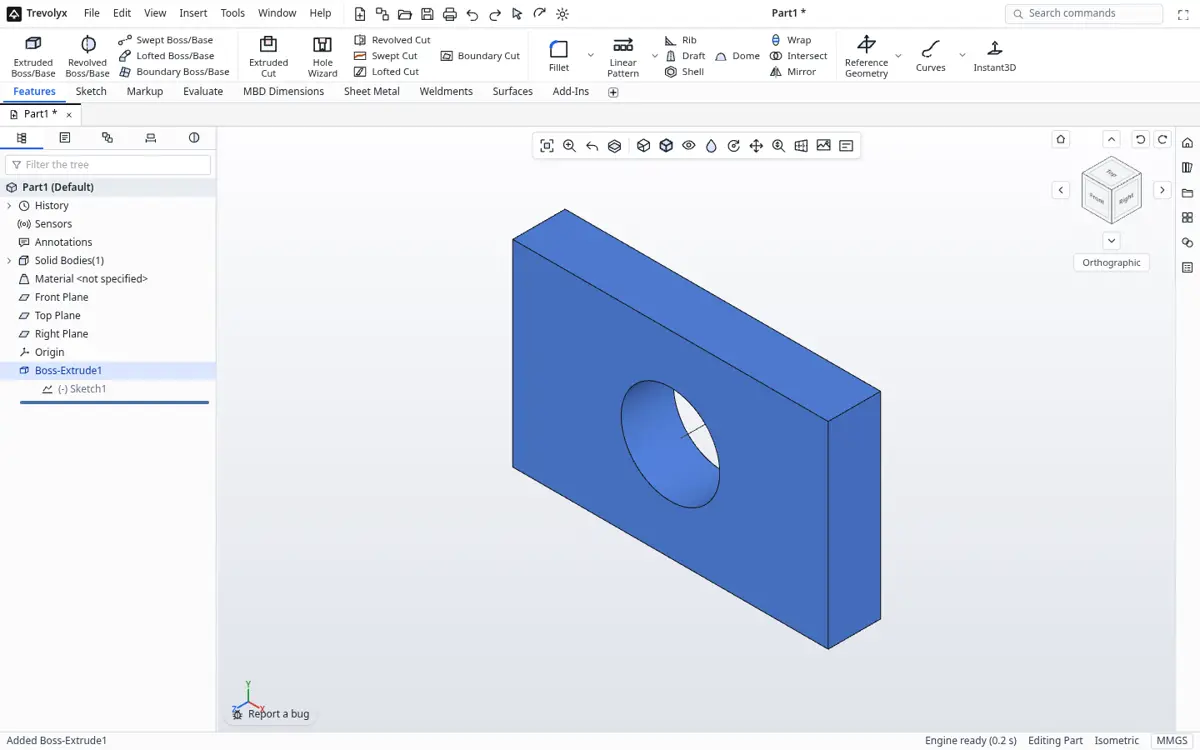
The pillow block sample STEP file open in Trevolyx - Sketch on a plane, dimension it and extrude it. Every feature lands in the design tree, where you can edit, suppress or reorder it.
- Press Ctrl+S to save a .tnprt file, or choose Open Project Folder to keep a whole project in one folder on your computer.
What you can build
Parts with extrude, revolve, sweep, loft, boundary, fillet, chamfer, shell, draft, rib, dome, wrap, helix, Hole Wizard holes and patterns. Surfaces with extruded, revolved, swept, lofted and planar surfaces, knit, trim and thicken. Sheet metal with base flange, edge flange, miter flange, hem, sketched bend, unfold, fold and flatten. Weldments with structural members, gussets, end caps and a cut list. Assemblies with mates, component patterns, interference detection, exploded views and a bill of materials. Drawings with standard three views, projected, section and detail views, dimensions and balloons.
Browser CAD options compared
Products change often, so check each vendor for current plans. Not in v1 yet: simulation (FEA), 3D Sketch, Markup and MBD auto dimensioning. FEA is planned next.
| Trevolyx | Typical cloud CAD | Typical beginner web modeller | |
|---|---|---|---|
| Account needed | No | Yes | Usually |
| Files uploaded | Never | Stored on vendor servers | Stored online |
| Parametric history tree | Yes | Yes | Limited or no |
| Sheet metal and weldments | Yes | Often paid tiers | No |
| 2D engineering drawings | Yes | Yes | No |
| STEP import and export | Yes | Yes | Often export only |
| Free for commercial work | Yes | Usually paid | Varies |
Requirements
Use a current desktop Chrome or Edge, which are fully tested. Firefox and Safari load and model as well. A mouse with a scroll wheel makes rotating and zooming far easier. Phones and small tablets are not supported for modelling, because CAD needs a keyboard, a mouse and screen space.
Why browser CAD makes sense now
Five years ago, serious 3D modelling in a browser was a toy. Browsers could draw meshes but not run a real solid modelling kernel. That changed with WebAssembly and WebGL 2. Trevolyx compiles an exact B-rep kernel to WebAssembly, so the same kind of maths that a desktop CAD program uses for booleans, fillets and shells now runs inside a Chrome or Edge tab at close to native speed.
The practical result is that you can open a link and start modelling in seconds. There is no installer, no admin rights, no licence server and no graphics driver check. That matters on college lab computers where you cannot install software, on office laptops locked down by IT, and on older machines that would never meet the requirements of a large desktop CAD package.
Where your files go
Most online CAD services store your models on their servers. That is convenient for sharing, but it also means your work lives in someone else's account, behind their pricing and their terms. Trevolyx works the other way round. Parts save as .tnprt, assemblies as .tnasm and drawings as .tndrw files on your own computer, or in a project folder you pick. The geometry is computed locally and never uploaded.
If you want to send a model to someone, export a STEP file, which every serious CAD program can open, or an STL or 3MF for a 3D printer. For a quick preview on a phone, the TaskNinja STEP viewer opens the same STEP file on any device.
Tips for a smooth first session
Use a mouse with a scroll wheel. Scroll zooms, the middle button rotates and Ctrl plus middle button pans, the same as most desktop CAD. Keep the browser up to date, close heavy tabs if your laptop has 8 GB of memory or less, and use full screen (F11) for more modelling space. Save early with Ctrl+S; the first save asks where to put the file, and later saves write to the same place.
If something looks wrong, the design tree is your friend. Every feature is listed in order, and you can edit, suppress or roll back to any step. That history is what makes the model parametric: change a sketch dimension and every later feature rebuilds.
Frequently asked questions
Do I need to create an account?
No. Open the page and start modelling.
Where are my files stored?
On your own computer. Trevolyx reads and writes files on your disk and does not upload them.
Does it work offline?
Once loaded, modelling runs locally, so a dropped connection does not lose your work. Reloading the page needs the internet.
Can I use it on my phone?
Trevolyx is built for desktop and laptop screens. On a phone you can read about it, but modelling needs a bigger screen and a mouse.