File formats Trevolyx opens
Open STEP (.step, .stp), IGES (.iges, .igs) and mesh files (.stl, .obj, .3mf, .glb) in your browser. Parts, assemblies and drawings save as .tnprt, .tnasm and .tndrw.
Open TrevolyxFree, desktop browser, nothing uploaded.
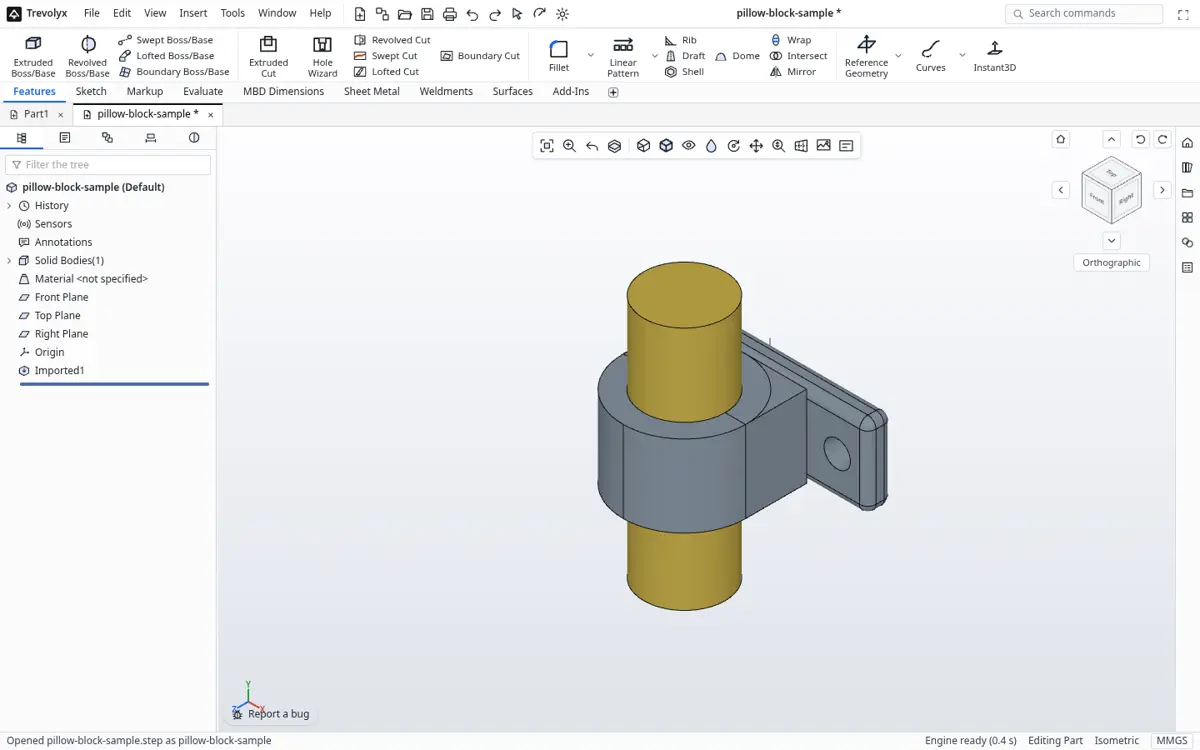
Neutral CAD formats
STEP and IGES files open as exact solids you can measure and build on. Mesh files (.stl, .obj, .3mf, .glb, .gltf) open for viewing and measuring.
Native files
Parts save as .tnprt, assemblies as .tnasm and drawings as .tndrw. They are plain files on your own disk.
Export formats
| Output | Format |
|---|---|
| Exact solid for other CAD | STEP |
| 3D printing | STL, 3MF |
| Web and AR | GLB, OBJ |
| Laser cutting blank | Flat pattern DXF |
| 2D drawing | DXF |
| Weldment cut list | CSV |
Closed formats
Files from closed desktop CAD programs cannot be read directly. In the original program use Save As, choose STEP, and open that file here.